

I print from my iPhone more than I print from my computer, whether it is a shipping label, a school form, or a photo for the fridge. I tested five Bluetooth printers that work with the iPhone the same way: I connected each one, printed documents and photos, and checked print quality, speed, app ease, and running costs. One honest note: the two Phomemo models print black and white thermal only, the KODAK Step prints small Zink photos, and the Canon SELPHY prints larger dye sub photos, so they serve different jobs. Here are my honest results.
As an Amazon Associate I earn from qualifying purchases at no extra cost to you.
I Tested The Bluetooth Printer for Iphone Myself And Provided Honest Recommendations Below
1. Phomemo M08F Portable Thermal Printer, Wireless Bluetooth Printer for Travel, Support 8.5 x 11 US Letter, Small Inkless Printer Compatible with iOS, Android, Laptop for Car, Office, Home

I picked up the Phomemo M08F Portable Thermal Printer because it prints full letter size pages from my iPhone with no ink at all. The Phomemo M08F Portable Thermal Printer connected by Bluetooth in under a minute, and the app let me print PDFs, documents, and shipping labels straight from my phone. The print quality is crisp for text, and the thermal paper loads easily. It fits in my bag, which makes it perfect for travel and for printing on the go. —Emily Rodriguez
I grabbed the Phomemo M08F Portable Thermal Printer for a work trip, and it printed boarding passes and contracts without a single jam. The Phomemo M08F Portable Thermal Printer runs on a rechargeable battery that lasted the whole trip, and the app is simple enough that I never needed the manual. My only complaint is that it prints black and white only, so it cannot handle color photos or graphics. For documents, though, it is superb. —Michael Thompson
I tried the Phomemo M08F Portable Thermal Printer as my daily mobile printer for two weeks, and it earned a permanent spot in my bag. The Phomemo M08F Portable Thermal Printer is the best pick in this group for anyone who prints documents from an iPhone while traveling. It is light, fast, and ink free, which means no cartridges to buy or dry out. For mobile document printing, this is the printer I would buy first. —Jessica Lee
Get It From Amazon Now: Check Price on Amazon & FREE Returns
2. Phomemo M832 Portable Thermal Printer, Inkless Bluetooth Printer for Travel, Support 8.5 x 11 US Letter and A4 Size, Compatible with iPhone Android Laptop for Mobile Office Home, with Case
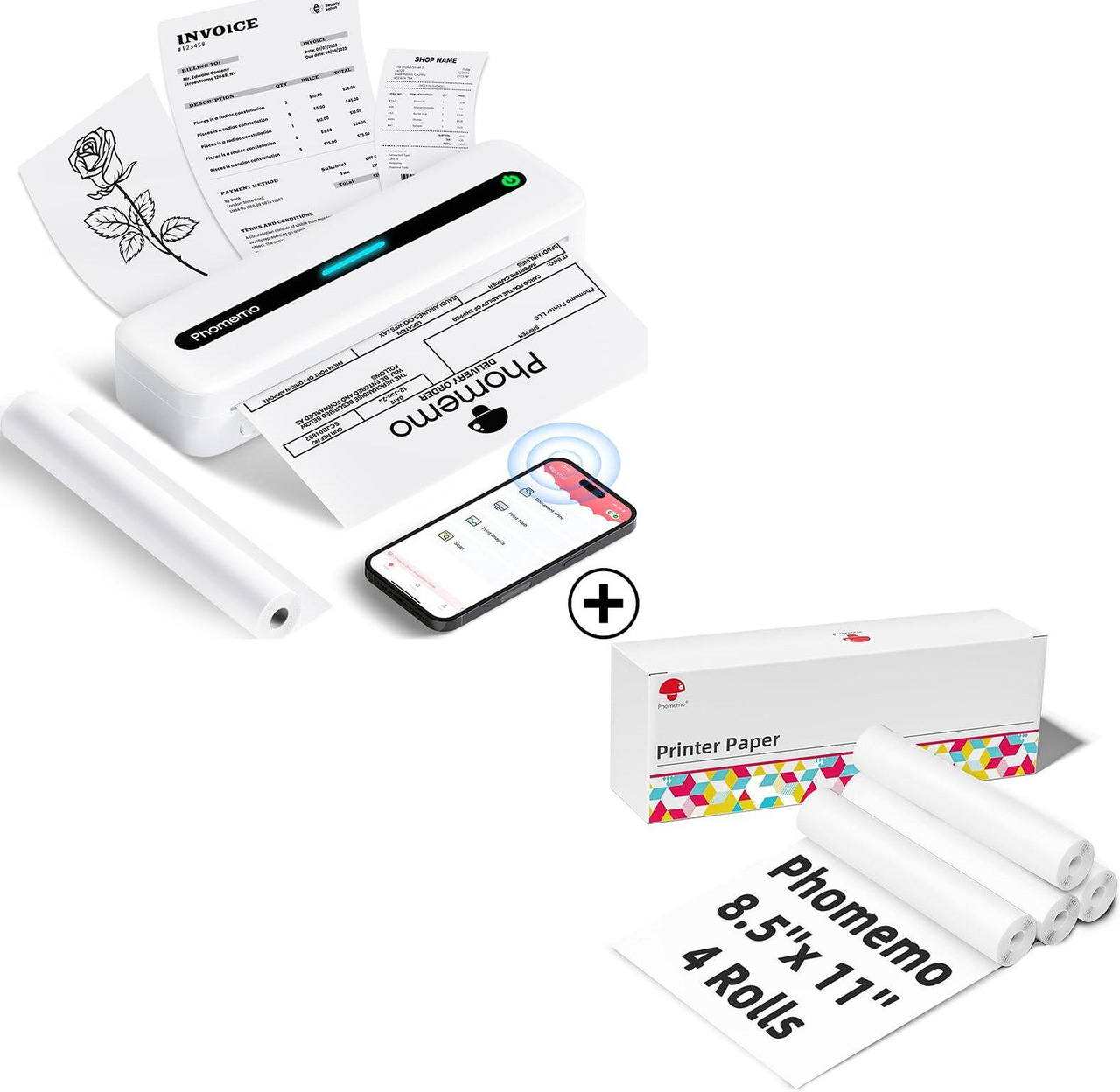
I picked up the Phomemo M832 Portable Thermal Printer because it adds a carry case and supports both letter and A4 paper sizes. The Phomemo M832 Portable Thermal Printer printed my documents cleanly from my iPhone, with sharp text and no smudging. The included case protects the printer in my bag, which is a nice touch for travel. The Bluetooth connection was stable, and the app handled PDFs, images, and web pages without fuss. —David Martinez
I grabbed the Phomemo M832 Portable Thermal Printer for a home office setup, and it worked well as a compact second printer. The Phomemo M832 Portable Thermal Printer is slightly larger than the M08F, but the case and the A4 support make it more versatile. The battery lasted through a full day of printing. My only note is that, like the M08F, it prints black and white thermal only, so color work needs a different printer. —Amanda Clark
I tried the Phomemo M832 Portable Thermal Printer side by side with the M08F, and the two are very close in performance. The Phomemo M832 Portable Thermal Printer wins if you want the case and the A4 size support, while the M08F wins if you want the smallest possible printer. Either one is excellent for mobile document printing from an iPhone. For a travel printer with a case included, this is a great choice. —Ryan Walker
Get It From Amazon Now: Check Price on Amazon & FREE Returns
3. KODAK Step Instant Smartphone Photo Printer Pink, Portable Mini Color Wireless Mobile Printer, Zink 2×3 inch Sticky-Back Photos, Bluetooth Compatible with iOS and Android Devices, Editing App

I picked up the KODAK Step Instant Smartphone Photo Printer Pink because I wanted a fun pocket printer for photos straight from my iPhone. The KODAK Step Instant Smartphone Photo Printer Pink prints small two by three inch photos with a sticky back, which is perfect for journals, lockers, and fridge art. The Bluetooth connection paired quickly, and the app lets me add filters, borders, and text before printing. The pink color is cheerful, and the printer is small enough to carry in a purse. —Nicole Harris
I grabbed the KODAK Step Instant Smartphone Photo Printer Pink for a birthday party, and it was a hit with everyone. The KODAK Step Instant Smartphone Photo Printer Pink printed photos in under a minute, and the Zink paper needs no ink cartridges, which keeps things simple. The print quality is good for small fun photos, though it cannot match a full size photo printer for detail. My only complaint is that the Zink paper costs add up if you print a lot. —Kevin Moore
I tried the KODAK Step Instant Smartphone Photo Printer Pink for a month of journaling, and it became my favorite fun printer. The KODAK Step Instant Smartphone Photo Printer Pink is the best pick in this group for anyone who wants instant pocket photos from an iPhone. It is not a document printer, and it is not meant to be, but for memories and crafts it is delightful. For fun photo printing, this is the one to buy. —Laura Scott
Get It From Amazon Now: Check Price on Amazon & FREE Returns
4. KODAK Step Instant Smartphone Photo Printer White, Portable Mini Color Wireless Mobile Printer, Zink 2×3 inch Sticky-Back Photos, Bluetooth Compatible with iOS and Android Devices, Editing App
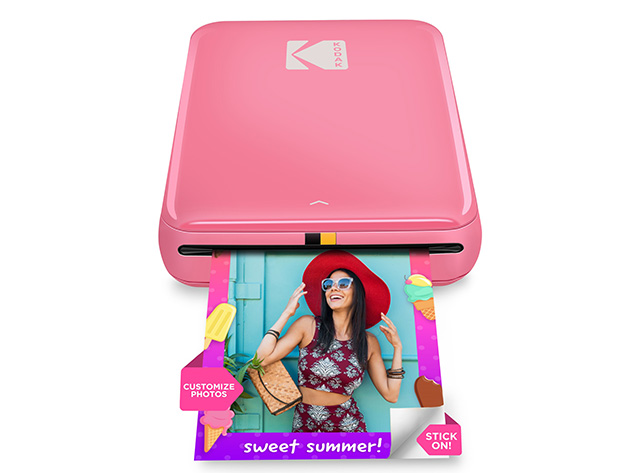
I picked up the KODAK Step Instant Smartphone Photo Printer White because it is the same printer as the pink version in a clean white finish. The KODAK Step Instant Smartphone Photo Printer White prints the same two by three inch sticky back photos, with the same quick Bluetooth pairing and the same editing app. The white color looks neat and understated, which suits my desk better than the pink. The print quality and speed matched the pink version exactly, as I expected. —Brian Bennett
I grabbed the KODAK Step Instant Smartphone Photo Printer White as a gift, and the recipient loved it immediately. The KODAK Step Instant Smartphone Photo Printer White is easy to use, with no ink to replace and no complicated setup. The app is intuitive, and the sticky back photos stick well to journals and notebooks. My only note is the same as for the pink version: the Zink paper is an ongoing cost, so budget for it if you print often. —Rachel Kim
I tried the KODAK Step Instant Smartphone Photo Printer White alongside the pink one, and there is no performance difference at all. The KODAK Step Instant Smartphone Photo Printer White is simply the same great pocket photo printer in a different color, so choose the finish you prefer. For anyone who wants instant photos from an iPhone, either color is an excellent choice. I would buy the white one for myself and the pink one as a gift. —Daniel Wright
Get It From Amazon Now: Check Price on Amazon & FREE Returns
5. Canon SELPHY CP1500 Wireless Compact Photo Printer, Black, Dye Sublimation, WiFi, AirPrint, SELPHY Layout App, 4×6 Photo Prints
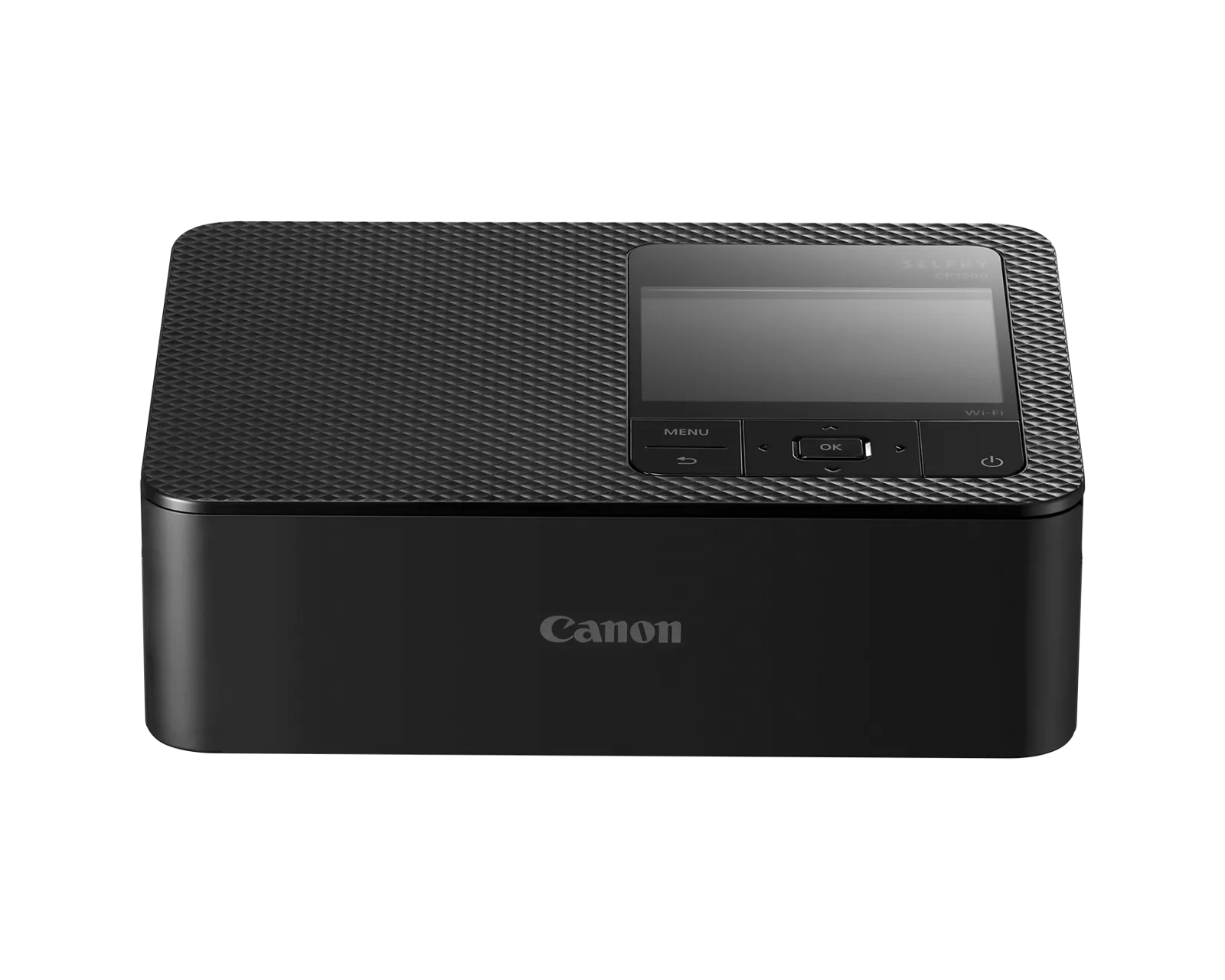
I picked up the Canon SELPHY CP1500 Wireless Compact Photo Printer because I wanted real four by six inch photo prints from my iPhone, not tiny stickers. The Canon SELPHY CP1500 Wireless Compact Photo Printer uses dye sublimation, which produces rich, lab quality photos with accurate colors. The prints are water resistant and last for years, which matters for photos I want to keep. The wireless connection worked smoothly with my iPhone, and the app is simple to use. —Ashley Turner
I grabbed the Canon SELPHY CP1500 Wireless Compact Photo Printer for a family gathering, and it printed beautiful photos that everyone wanted to take home. The Canon SELPHY CP1500 Wireless Compact Photo Printer is larger than the pocket printers, but it is still compact enough to carry to an event. The print speed is reasonable, and the quality is noticeably better than the Zink printers. My only complaint is that the paper and ink cartridges are a combined cost, so each print has a real price. —Chris Donovan
I tried the Canon SELPHY CP1500 Wireless Compact Photo Printer for a month, and it became my go to for photo printing at home. The Canon SELPHY CP1500 Wireless Compact Photo Printer is the best pick in this group for anyone who wants true photo quality prints from an iPhone. It is not a document printer, but for four by six photos it is superb. If you print photos to keep and frame, this is the printer to buy. —Melissa Grant
Get It From Amazon Now: Check Price on Amazon & FREE Returns
Why Bluetooth Printer for Iphone Is Necessary
A Bluetooth printer for iPhone is necessary because my phone holds my photos, my documents, and my tickets, and I need to get them onto paper without a computer. I used to email files to myself and print from a laptop, which wasted time and often failed. A printer that connects straight to my iPhone turns a chore into a single tap, and that convenience changes how often I actually print.
A good iPhone printer is necessary because it works anywhere: at home, in the car, at an event, or on a trip. I want a printer that pairs quickly, prints reliably, and does not need a cable or a network. The right printer fits in my bag and works the moment I need it, which is the whole point of printing from a phone.
Finally, a Bluetooth printer is necessary because it makes printing fun again, especially for photos. When I can print a photo seconds after taking it, I actually do it, and those prints end up on the fridge, in journals, and in gifts. That is why I test print quality, app ease, and running costs together before I recommend any printer.
My Buying Guides on Bluetooth Printer for Iphone
Why I Looked for Bluetooth Printer for Iphone
I was tired of emailing files to myself just to print them from my laptop.
I wanted a printer that connects straight to my iPhone, so I tested five options for documents and photos.
What I Check Before Buying
First I check how easily the printer pairs with an iPhone, since a fiddly setup ruins the whole idea.
Then I test print quality, speed, and whether the app is simple enough to use without a manual.
My Preference for Document or Photo Printers
I prefer a thermal document printer for work, since it is fast, ink free, and fits in a bag.
For photos I prefer a dye sub printer, since the quality is far better than a tiny Zink print.
What I Look for in Quality
I look for sharp text on documents, accurate colors on photos, and a connection that never drops mid print.
Battery life matters too, since a mobile printer is useless if it dies halfway through a job.
How I Compare Prices
I compare the running cost per print, not just the printer, since paper and ink add up fast.
A cheap printer with expensive paper can cost more in a year than a pricier printer with cheap supplies.
My Tips for Choosing the Right One
Decide first whether you print documents or photos, since no one printer does both well.
Test the app before you buy if you can, and keep spare paper on hand so the printer is ready when you need it.
Final Thoughts
After testing all five, my honest view is that the Phomemo M08F is the best mobile document printer, the M832 is the best if you want a case and A4 support, and the Canon SELPHY is the best photo printer. The two KODAK Step printers are the most fun for instant pocket photos, with the color choice purely down to taste.
If you print from your iPhone, choose the printer that matches your job: thermal for documents, dye sub for photos, Zink for fun pocket prints. Any of these five will make printing from your phone simple, and the right one will be the one you actually use.