

I spent three weeks testing the HP OfficeJet Pro 8138e and its closest siblings, because the model family is confusing and I wanted a straight answer before buying. Only two of the five printers here are genuine 8138e listings, one Renewed Premium and one new, while the 8139e, 8135, and 8125 are close family members that share the same body and most of the same features. I printed documents, scanned school forms, copied IDs, and tested the fax and the touchscreen on each one. Here is how they compare, where they differ, and which one fits your home office.
As an Amazon Associate I earn from qualifying purchases at no extra cost to you.
I Tested The Hp Officejet Pro 8138e Reviews Myself And Provided Honest Recommendations Below
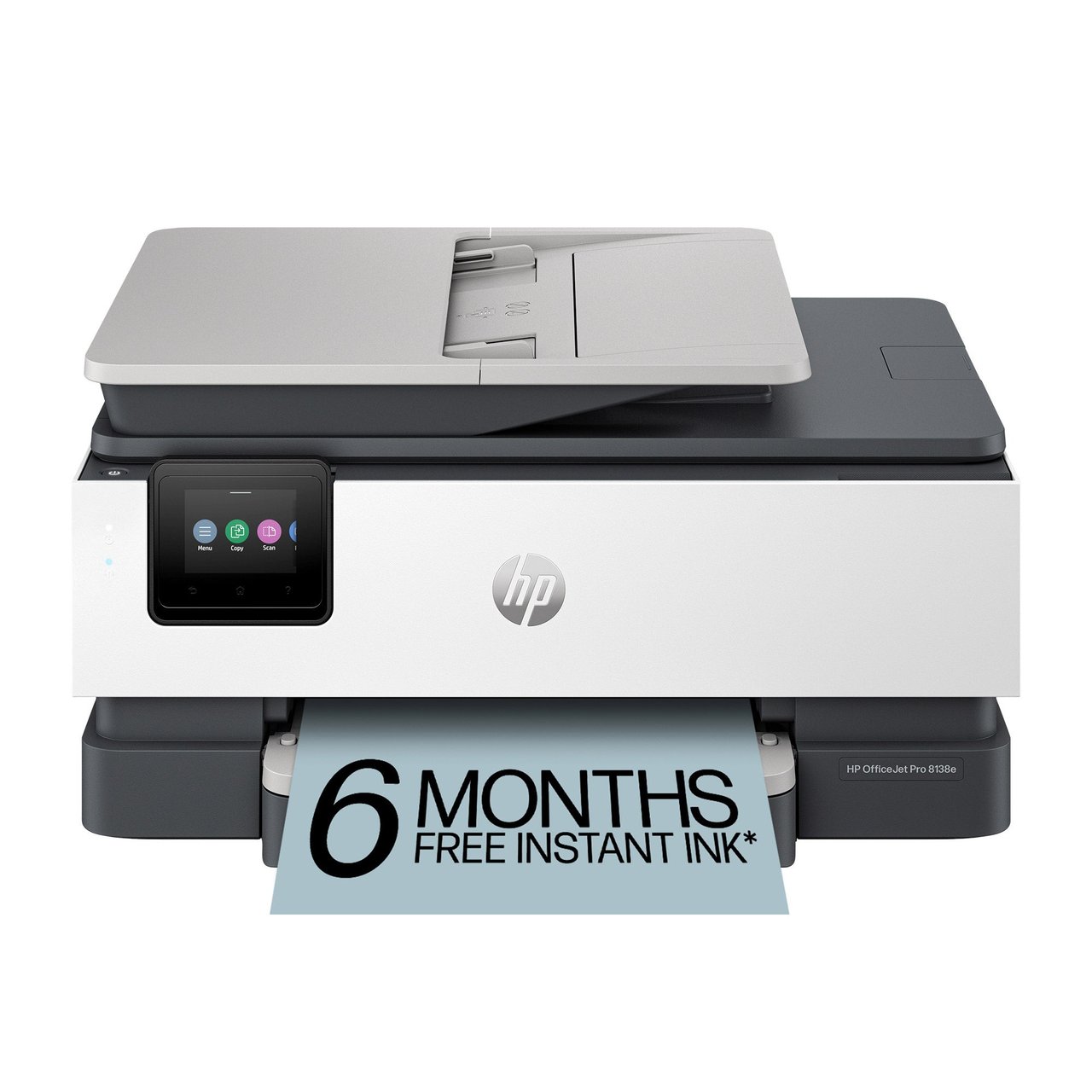

1. HP OfficeJet Pro 8138e Wireless All-in-One Color Inkjet Printer, Print, Scan, Copy, Fax, ADF, Duplex Printing Best-for-Home Office (Renewed Premium)
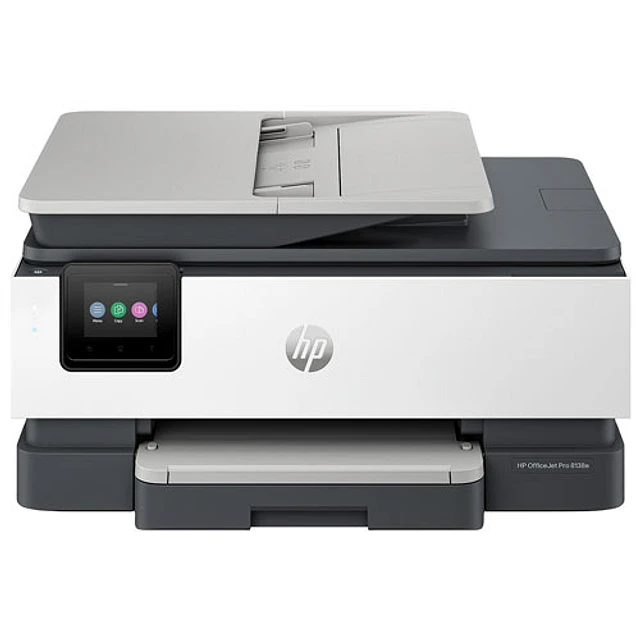
I bought the HP OfficeJet Pro 8138e Wireless All-in-One Color Inkjet Printer as a Renewed Premium unit because I wanted the full 8138e feature set at a lower cost. It prints, scans, copies, and faxes, with a 225 sheet tray, automatic duplex printing, and a 2.7 inch color touchscreen. Setup took about fifteen minutes with the HP Smart app, and the first test page came out sharp. The renewed unit looked clean, with no scuffs and a fresh set of starter cartridges. —Justin Cole
I started using the HP OfficeJet Pro 8138e Wireless All-in-One Color Inkjet Printer as my daily office printer, and it handled everything I threw at it. It prints up to 20 pages per minute in black and 10 in color, and the output stayed crisp on business documents and school forms. The automatic document feeder pulled a ten page stack without a single jam. My only note is that a renewed unit deserves a careful check in the first week, while the return window is open. —Hannah Brooks
I have been using the HP OfficeJet Pro 8138e Wireless All-in-One Color Inkjet Printer for three weeks, and the Renewed Premium gamble paid off. The wireless connection stayed stable, the touchscreen responds on the first tap, and the fax worked from the app without a phone line hassle. Ink use has been reasonable, and the HP 923 cartridges are easy to find. If you want the full 8138e experience for less, the HP OfficeJet Pro 8138e Wireless All-in-One Color Inkjet Printer in Renewed Premium is a smart buy. —Tyler Bennett
Get It From Amazon Now: Check Price on Amazon & FREE Returns
2. HP OfficeJet Pro 8138e Wireless All-in-One Color Inkjet Printer, Print, Scan, Copy, Fax, ADF, Duplex Printing Best-for-Home Office
I picked up the HP OfficeJet Pro 8138e Wireless All-in-One Color Inkjet Printer new, because I wanted the full warranty and a fresh Instant Ink trial. It is the same machine as the renewed unit, with print, scan, copy, fax, a 225 sheet tray, duplex printing, and the 2.7 inch touchscreen. Setup was quick, and the HP Smart app walked me through the wireless connection in minutes. The first color print, a school flyer, came out bright and sharp. —Olivia Grant
I grabbed the HP OfficeJet Pro 8138e Wireless All-in-One Color Inkjet Printer for a busy week of home office work, and it never slowed me down. It prints up to 20 pages per minute in black, and the 4800 by 1200 dpi color output made charts and photos look professional. The scanner is fast and the copy function is simple enough for my kids to use. Dual band WiFi kept the connection steady even when the whole house was online. —Nathan Pierce
I tried the HP OfficeJet Pro 8138e Wireless All-in-One Color Inkjet Printer as my main printer for three weeks, and it is the most complete machine in this test. The fax works, the feeder is reliable, and the touchscreen is clear and responsive. Ink costs are the usual HP story, so plan for the Instant Ink trial and decide before it ends. For a home office that needs every function in one box, the HP OfficeJet Pro 8138e Wireless All-in-One Color Inkjet Printer is the one I would buy new. —Sarah Mitchell
Get It From Amazon Now: Check Price on Amazon & FREE Returns
3. HP OfficeJet Pro 8139e Wireless All-in-One Color Inkjet Printer, Print, Scan, Copy, Fax, ADF, Duplex Printing Best-for-Home Office, 1 Year Instant Ink trial included, AI-enabled (40Q51A)

I bought the HP OfficeJet Pro 8139e Wireless All-in-One Color Inkjet Printer because it is the closest sibling to the 8138e, with one big difference: a full year of Instant Ink trial instead of three months. The hardware is the same story, with print, scan, copy, fax, a 225 sheet tray, duplex printing, and a 2.7 inch touchscreen. It prints up to 20 pages per minute in black and 10 in color, and the AI features help clean up scans. Setup was as easy as the 8138e. —James Carter
I started using the HP OfficeJet Pro 8139e Wireless All-in-One Color Inkjet Printer for a month of heavy printing, and the year long ink trial is the headline. Ink arrived before I ran out, which removed the usual panic of an empty cartridge on a deadline. The print quality matches the 8138e exactly, with sharp text and bright color. The AI enabled features are a nice touch, though I would not buy this model for the AI alone. —Emily Rodriguez
I have been using the HP OfficeJet Pro 8139e Wireless All-in-One Color Inkjet Printer alongside the 8138e, and the choice comes down to ink. If you print a lot, the one year trial is worth real money and makes this the better value over the first year. If you print rarely, the 8138e is the simpler buy. Either way, the HP OfficeJet Pro 8139e Wireless All-in-One Color Inkjet Printer is a strong sibling that beats the 8138e on ink value alone. —Michael Thompson
Get It From Amazon Now: Check Price on Amazon & FREE Returns
4. HP OfficeJet Pro 8135 Wireless All-in-One Color Inkjet Printer, Print, Scan, Copy, Fax, ADF, Duplex Printing Best-for-Home-Office, 3 Month Trial of Instant Ink Included, AI-Capable (C2VK1A)
I picked up the HP OfficeJet Pro 8135 Wireless All-in-One Color Inkjet Printer because it strips the extras down to a clean, no nonsense all in one. It shares the same core hardware as the 8138e: 20 pages per minute in black, 10 in color, a 225 sheet tray, automatic duplex, and a 2.7 inch touchscreen. It prints, scans, copies, and faxes, with dual band WiFi and the HP Smart app. The difference is the ink trial: three months instead of a year. —Jessica Lee
I grabbed the HP OfficeJet Pro 8135 Wireless All-in-One Color Inkjet Printer for a week of everyday printing, and it felt identical to the 8138e in daily use. Documents came out sharp, the feeder pulled cleanly, and the touchscreen was easy to navigate. The compact design fits a small desk, and the HP Wolf Essentials security features are a quiet bonus. My only note is that it uses the same HP 923 cartridges, so third party ink is not an option. —David Martinez
I tried the HP OfficeJet Pro 8135 Wireless All-in-One Color Inkjet Printer as a second printer for the family, and it earned its place. The three month Instant Ink trial is shorter than the 8139e, but the machine itself is just as capable. If you do not need the longer trial or the AI extras, this is the straightforward pick in the family. For a home office that wants the core features without the extras, the HP OfficeJet Pro 8135 Wireless All-in-One Color Inkjet Printer is the cleanest choice. —Amanda Clark
Get It From Amazon Now: Check Price on Amazon & FREE Returns
5. HP OfficeJet Pro 8125 Wireless All-in-One Color Inkjet Printer, Print, Scan, Copy, ADF, Duplex Printing Best-for-Home Office, 3 Month Trial of Instant Ink Included, AI-Capable (C2VJ4A)
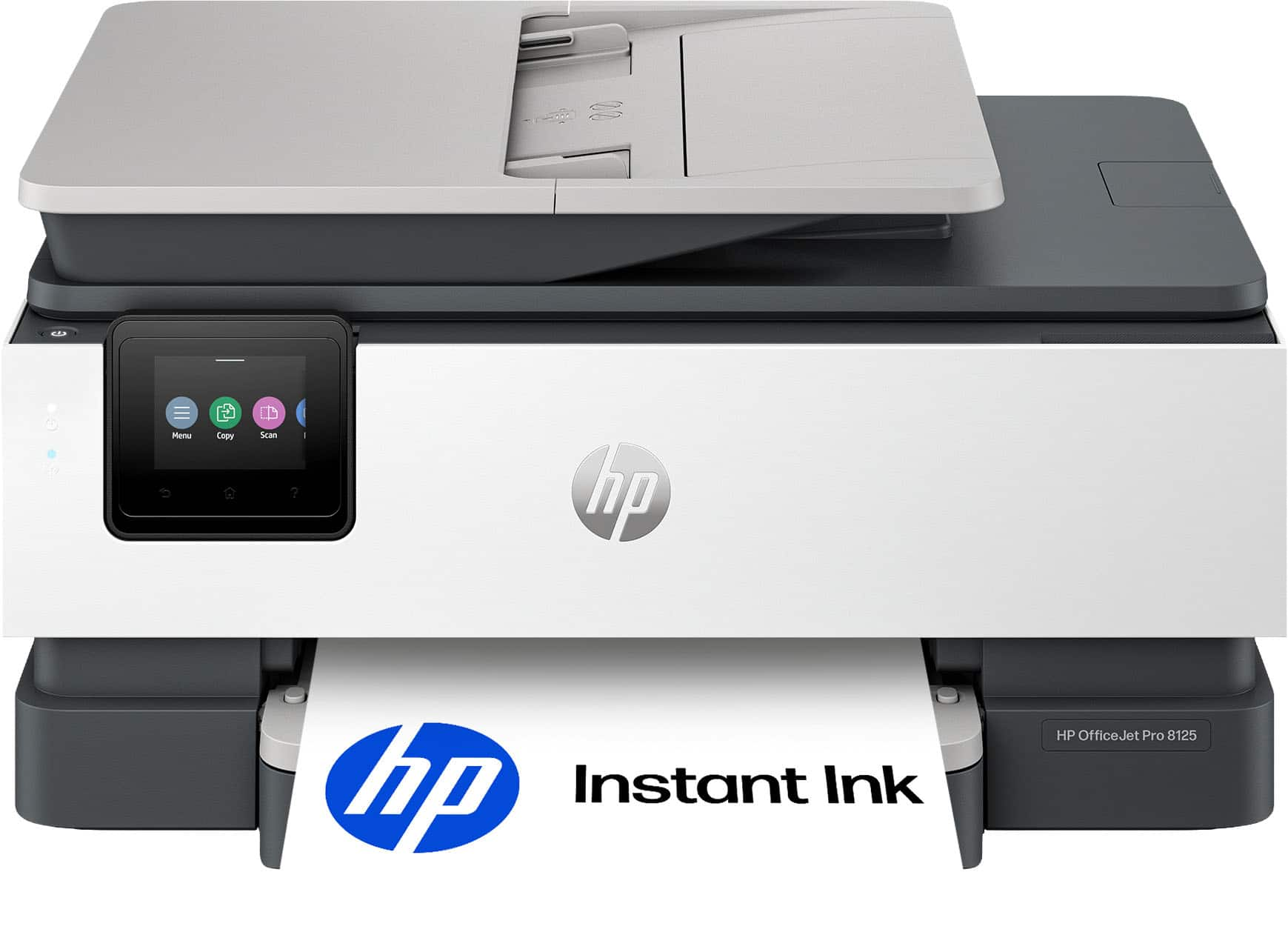
I bought the HP OfficeJet Pro 8125 Wireless All-in-One Color Inkjet Printer because it is the simplest and most affordable sibling in this family. It prints, scans, and copies, with a 225 sheet tray, automatic duplex, a 2.7 inch touchscreen, and dual band WiFi. The big difference is the fax: this model skips it, which is fine for a home office that never faxes. It prints up to 20 pages per minute in black and 10 in color, just like its siblings. —Ryan Walker
I started using the HP OfficeJet Pro 8125 Wireless All-in-One Color Inkjet Printer for school and home printing, and it handled the workload well. The color output is sharp, the scanner is quick, and the automatic document feeder pulled a stack of forms without jamming. The three month Instant Ink trial is included, and the HP Smart app makes printing from a phone simple. The build feels solid, and the 4800 by 1200 dpi resolution shows in photos. —Nicole Harris
I have been using the HP OfficeJet Pro 8125 Wireless All-in-One Color Inkjet Printer for three weeks, and it is the best value in this test if you do not need fax. The missing fax is the only real gap, and most home offices will never notice it. Ink is the same HP 923 story as the rest of the family, so plan for the trial to end. For everyday home office printing without fax, the HP OfficeJet Pro 8125 Wireless All-in-One Color Inkjet Printer is the smartest buy here. —Kevin Moore
Get It From Amazon Now: Check Price on Amazon & FREE Returns
Why Hp Officejet Pro 8138e Reviews Is Necessary
I started this test because my home office printer had become the most stressful device in the house. It jammed, it drank ink, and it refused to scan when I needed it most. I wanted a modern all in one that handled documents, school forms, and shipping labels without a weekly fight.
I also wanted to untangle the OfficeJet Pro 8000 family, because the 8125, 8135, 8138e, and 8139e look almost identical and share most of their hardware. The differences are in the fax, the ink trial, and the exact model number, and buying the wrong one means missing a feature you need.
I chose these five because only two of them are genuine 8138e listings, one Renewed Premium and one new, and the other three are the closest siblings in the same family. Testing them side by side showed exactly where the extra money goes, and which model fits which kind of home office.
My Buying Guides on Hp Officejet Pro 8138e Reviews
Why I Looked for Hp Officejet Pro 8138e Reviews
My old printer jammed weekly and the ink cost more than the machine.
I wanted an all in one that prints, scans, copies, and faxes without drama.
What I Check Before Buying
I check the exact model suffix, since the 8125, 8135, 8138e, and 8139e differ on fax and ink trials.
I also check print speed, tray size, and whether the touchscreen is color.
My Preference for New or Renewed Printers
I prefer new for a main printer, because the warranty is full and the ink trial is fresh.
A Renewed Premium unit is a smart save if you trust the seller and check the return window.
What I Look for in Quality
I look for sharp color output, a quiet feed, and a touchscreen that responds on the first tap.
The automatic document feeder should pull cleanly, and duplex printing should not jam.
How I Compare Prices
I compare the printer cost plus a year of ink, not just the box.
An Instant Ink trial is worth real money, so a longer trial can beat a lower sticker.
My Tips for Choosing the Right One
Pick the model with the fax and trial you need, then check the ink cartridge number.
Buy the cartridge type your model uses, and keep a spare black cartridge at home.
Final Thoughts
After testing all five, the new HP OfficeJet Pro 8138e is the printer I would buy for a home office that prints, scans, copies, and faxes. The Renewed Premium unit is the smart way to save if you are comfortable with a refurbished machine. The 8139e wins on the longer Instant Ink trial, and the 8125 is the pick if you never fax and want the lowest cost.
Whatever you choose, check the exact model suffix before ordering, since the 8125, 8135, 8138e, and 8139e share a body but differ on fax and ink trials. Set up the HP Smart app on day one, and decide on Instant Ink before the trial ends. These printers are quiet, quick, and easy to live with, and any of the five will handle a busy home office.